myLSU Portal: Sponsored Programs
There may be broken links in this article, the GROK staff has been notified and is working to resolve the issue.
This article has not been updated recently and may contain dated material.
NOTE
If you are using a mobile device to access the myLSU portal, you may need to rotate your phone to landscape mode to access the menu.
To access Sponsored Programs through the myLSU Portal:
1. Log into myLSU Portal.
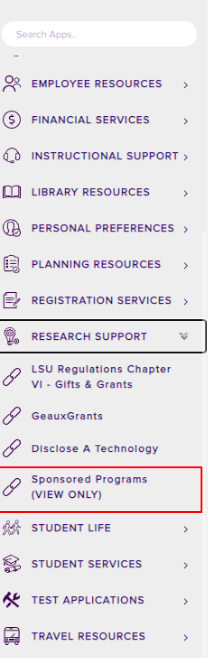
2. On the left-hand side panel, expand Research Support and click on Sponsored Programs.
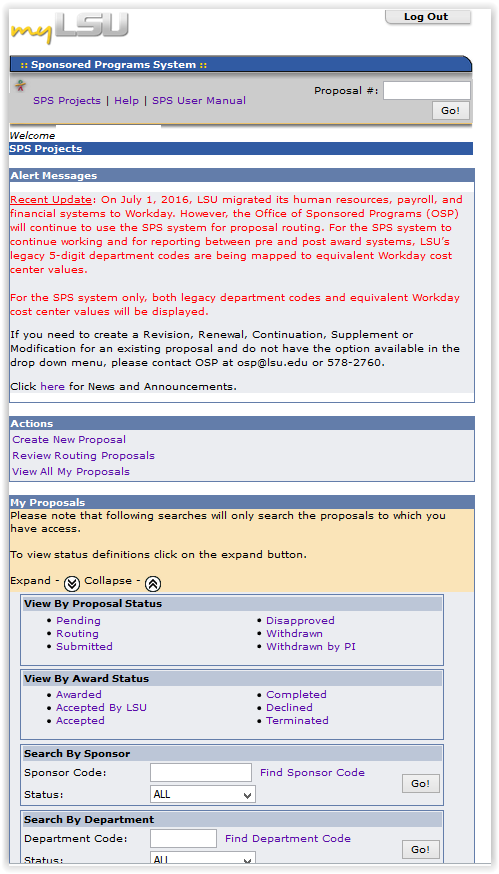
3. You are now on the Sponsored Programs System screen.
17660
10/20/2025 1:36:12 PM