myLSU Portal: Course Evaluations
There may be broken links in this article, the GROK staff has been notified and is working to resolve the issue.
NOTE
If you are using a mobile device to access the myLSU portal, you may need to rotate your phone to landscape mode to access the menu.
How to Access Course Evaluations:
1. Log into myLSU Portal.
2. On the left hand side menu, select Student Services | Course Eval.
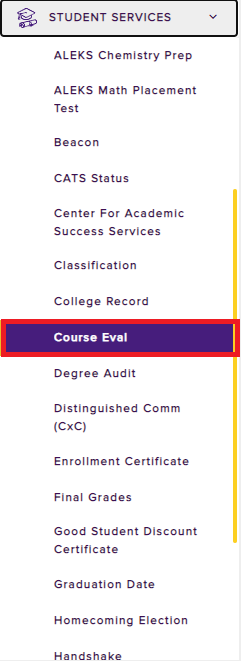
3. Enter your myLSU ID and Access Code and click Submit.
17639
2/9/2026 1:24:43 PM